SaaS Landing page
Website design for B2B & B2C products
Humdov is a software company that builds tools like CMS, donation systems, and social networking apps to help churches and ministries manage events, receive donations, and connect with members and believers worldwide. My role is to design a website that clearly showcases their products and enables smooth user onboarding
Client
Humdov
Services
UI & UX Design
Industries
SaaS
Date
2024
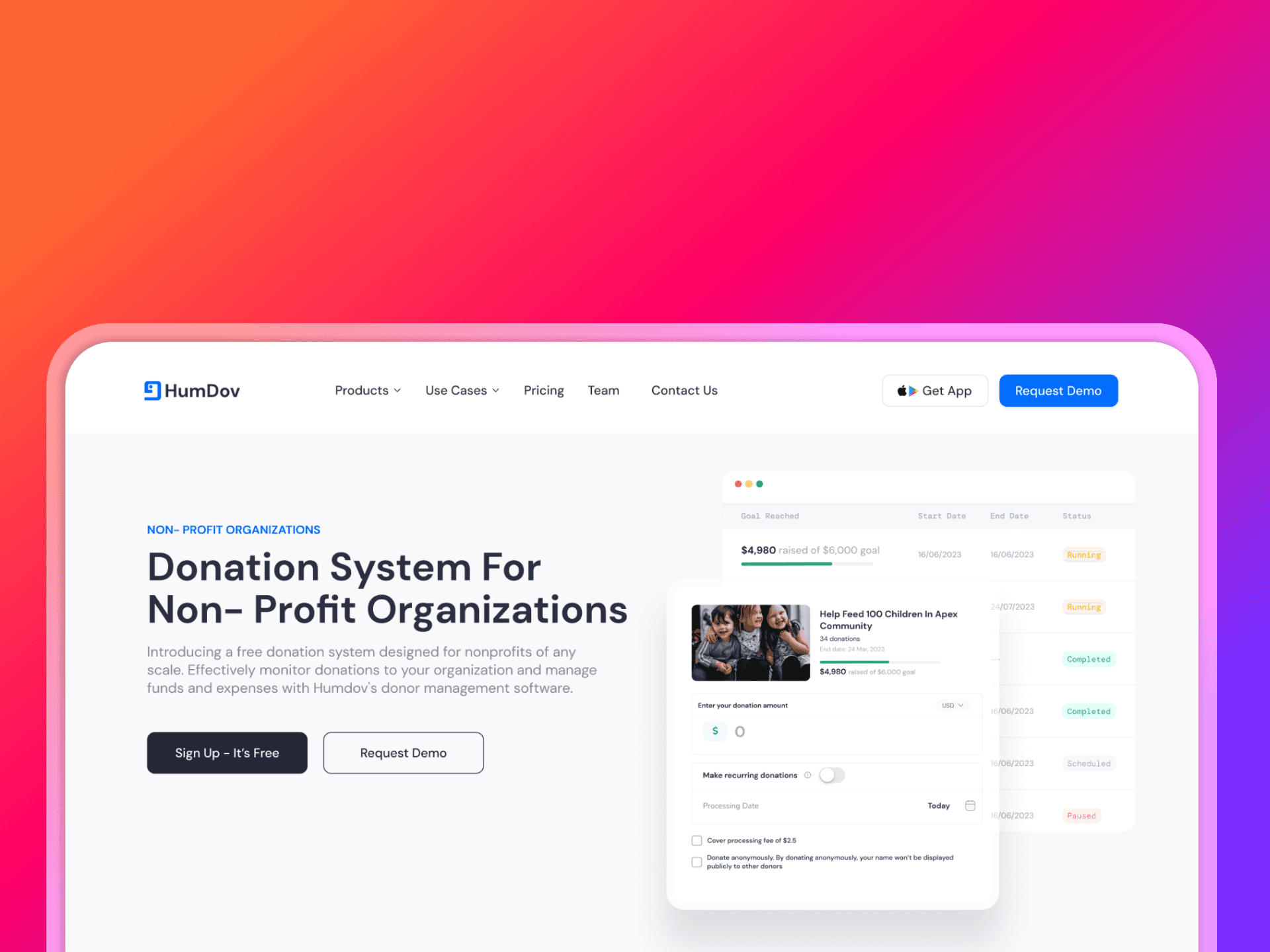
Project Description: Churches and ministries often struggle to efficiently manage events, handle donations, and maintain meaningful engagement with their members in a digital space. Humdov offers software tools to solve these challenges, but lacks a clear, user-friendly website that communicates its offerings and supports easy onboarding. My task is to design a website that effectively presents Humdov’s products and simplifies the onboarding process for new users.
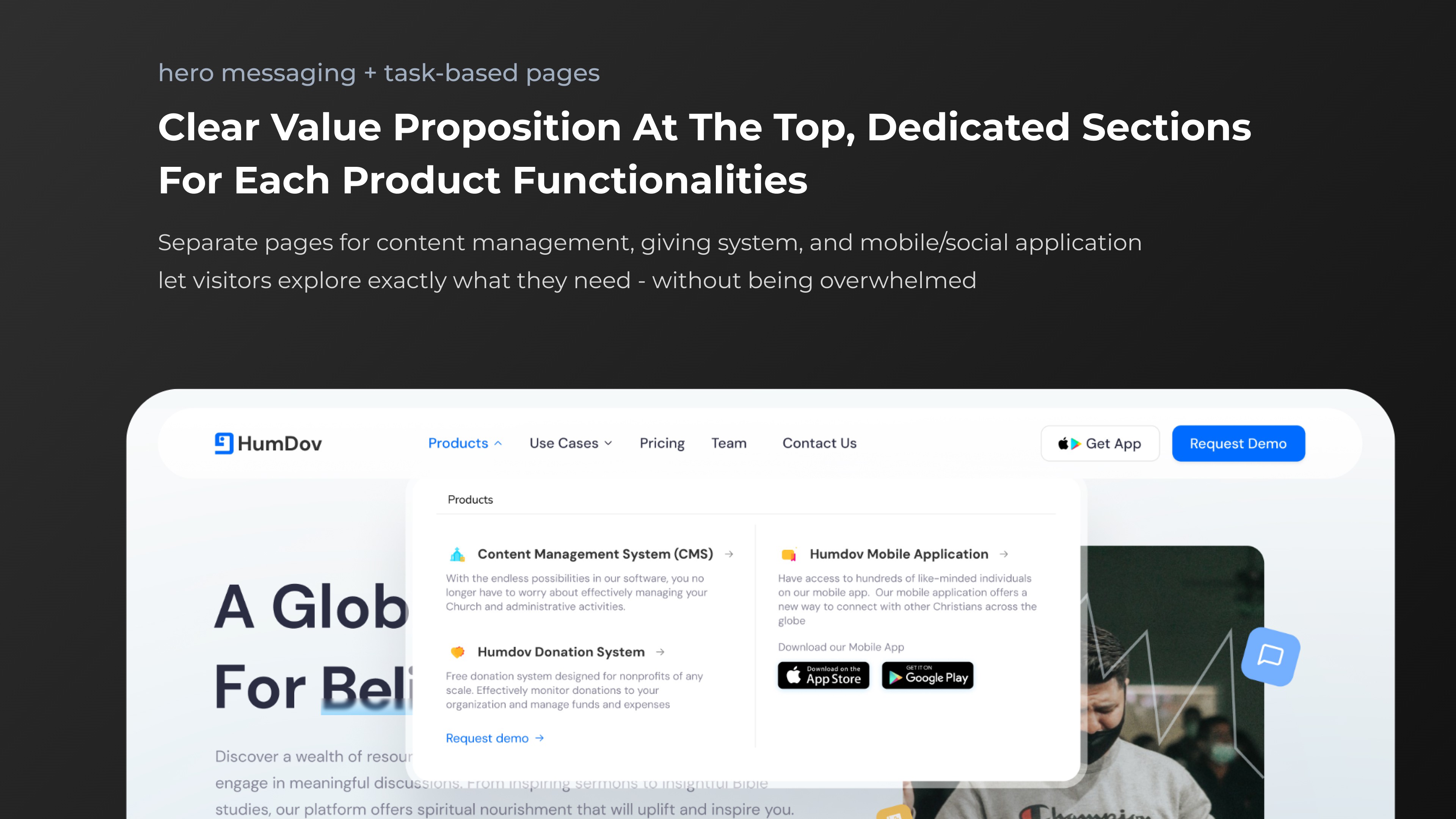
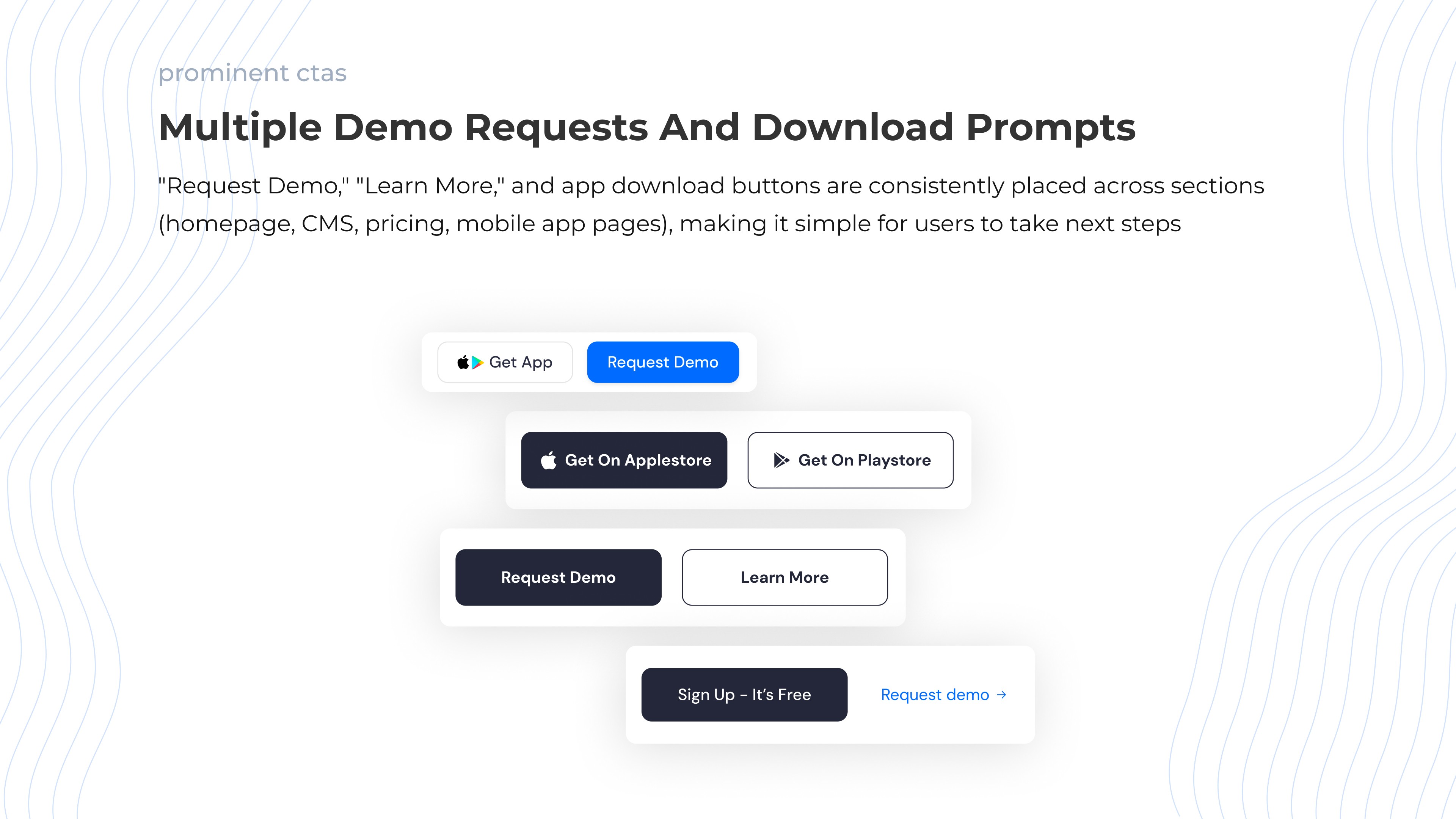
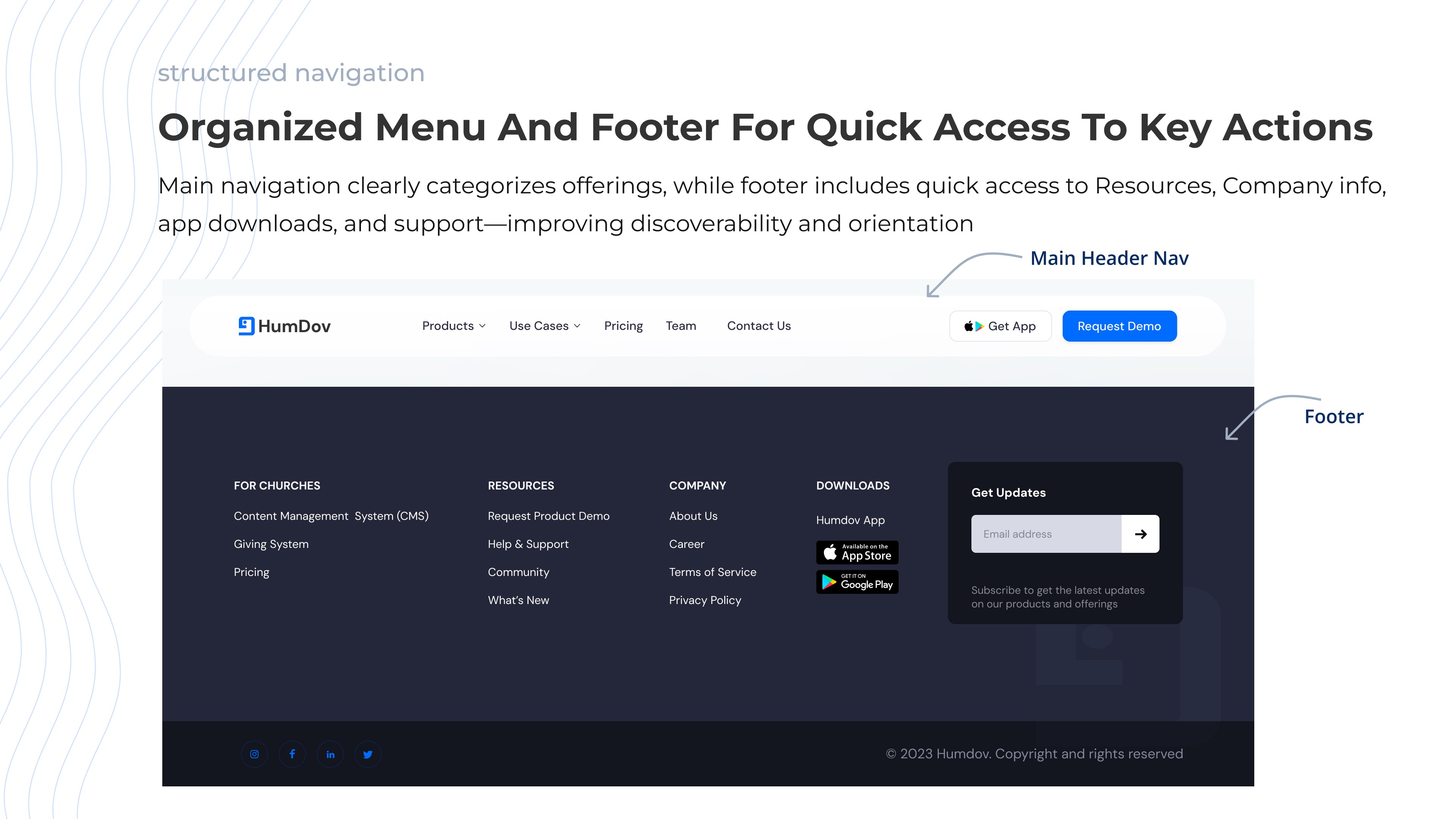
Usability Report
Goals of the Website
Clearly explain HumDov’s products and benefits
Encourage demo requests or user sign-ups
Support easy onboarding and app discovery
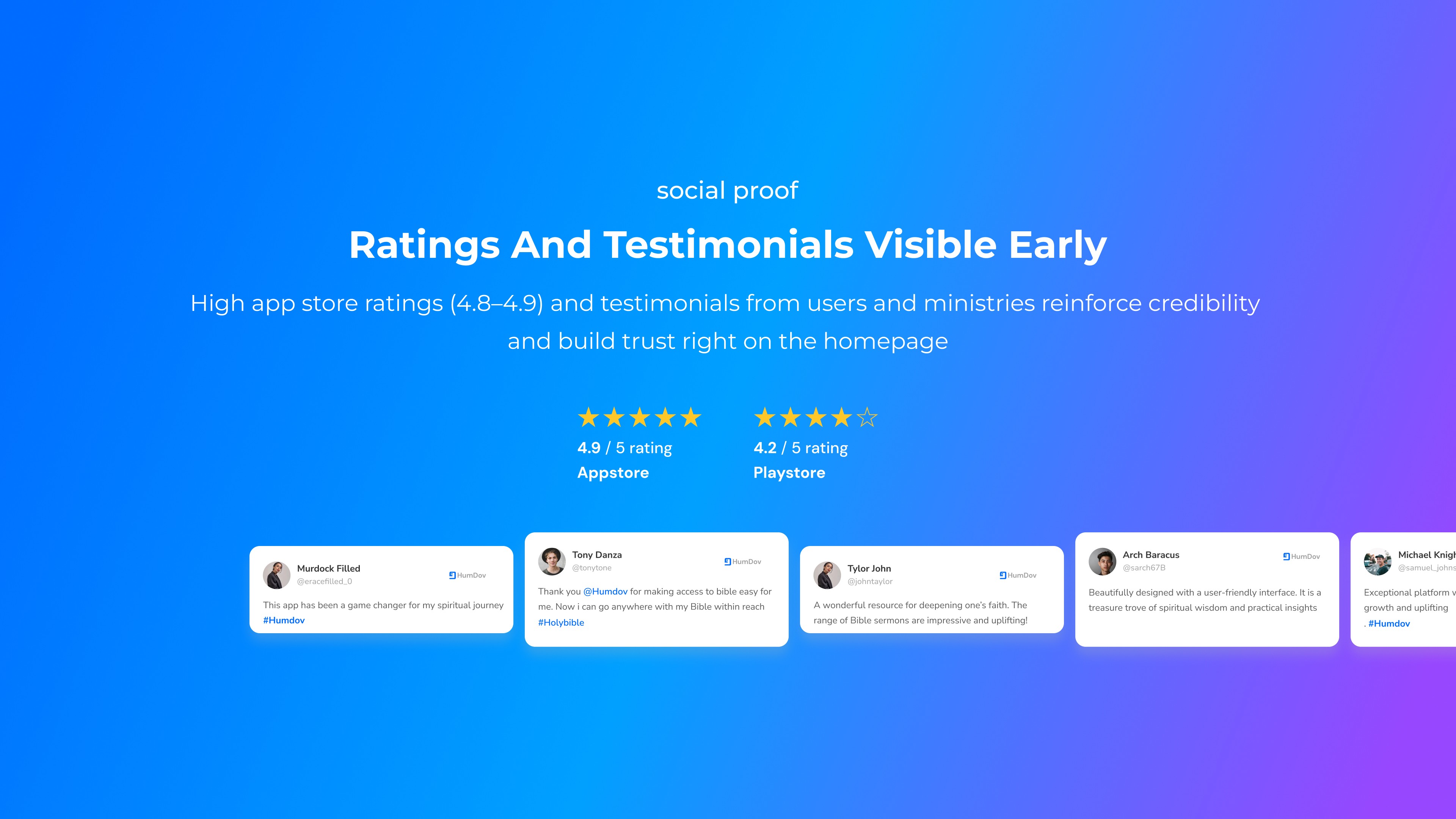
Build trust through testimonials, ratings, and content
Tasks Observed
Start at home page: Summarize what HumDov offers and state its main benefits
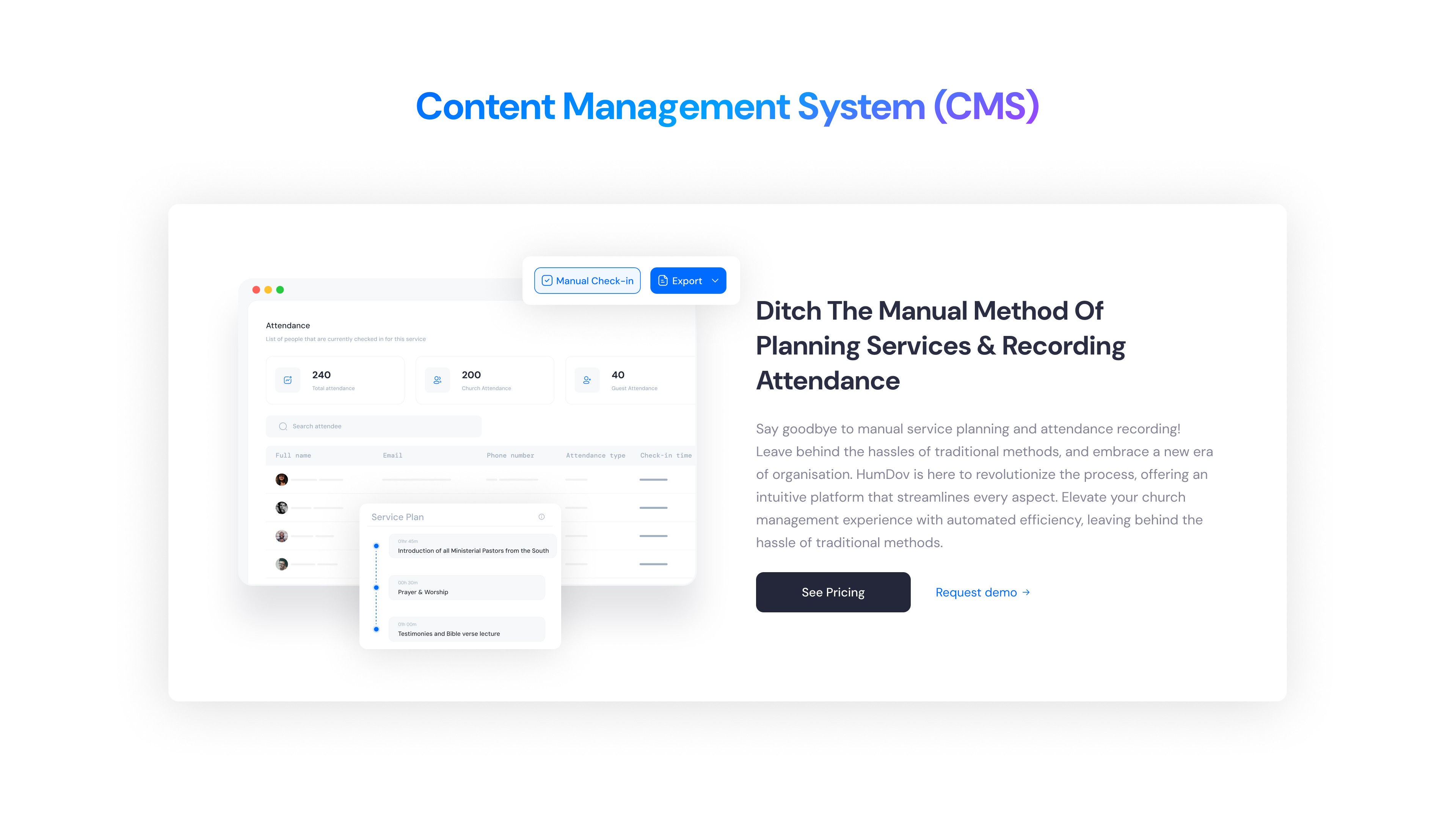
Find details on content management (CMS) features
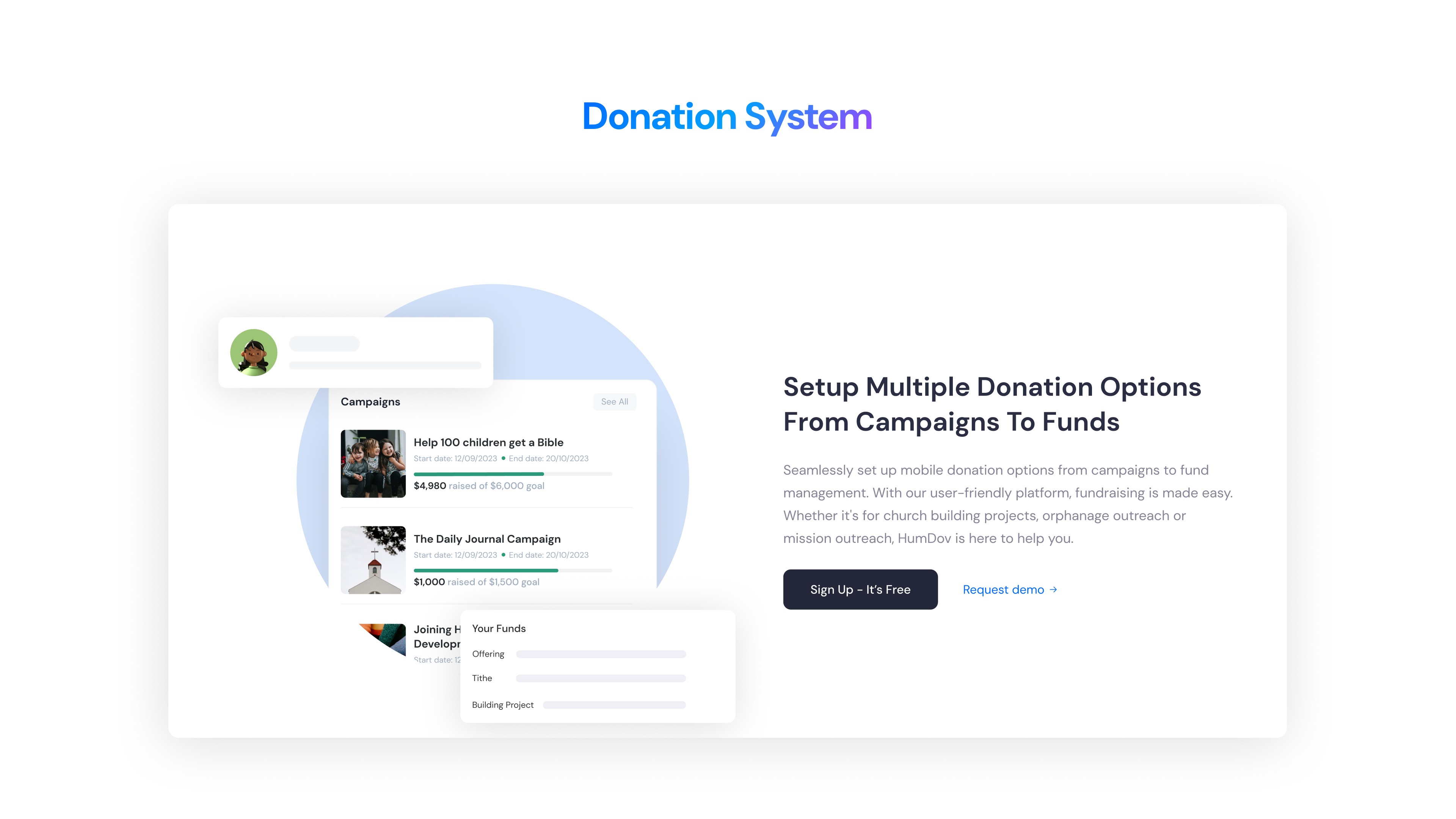
Locate information about the donation system and donor management
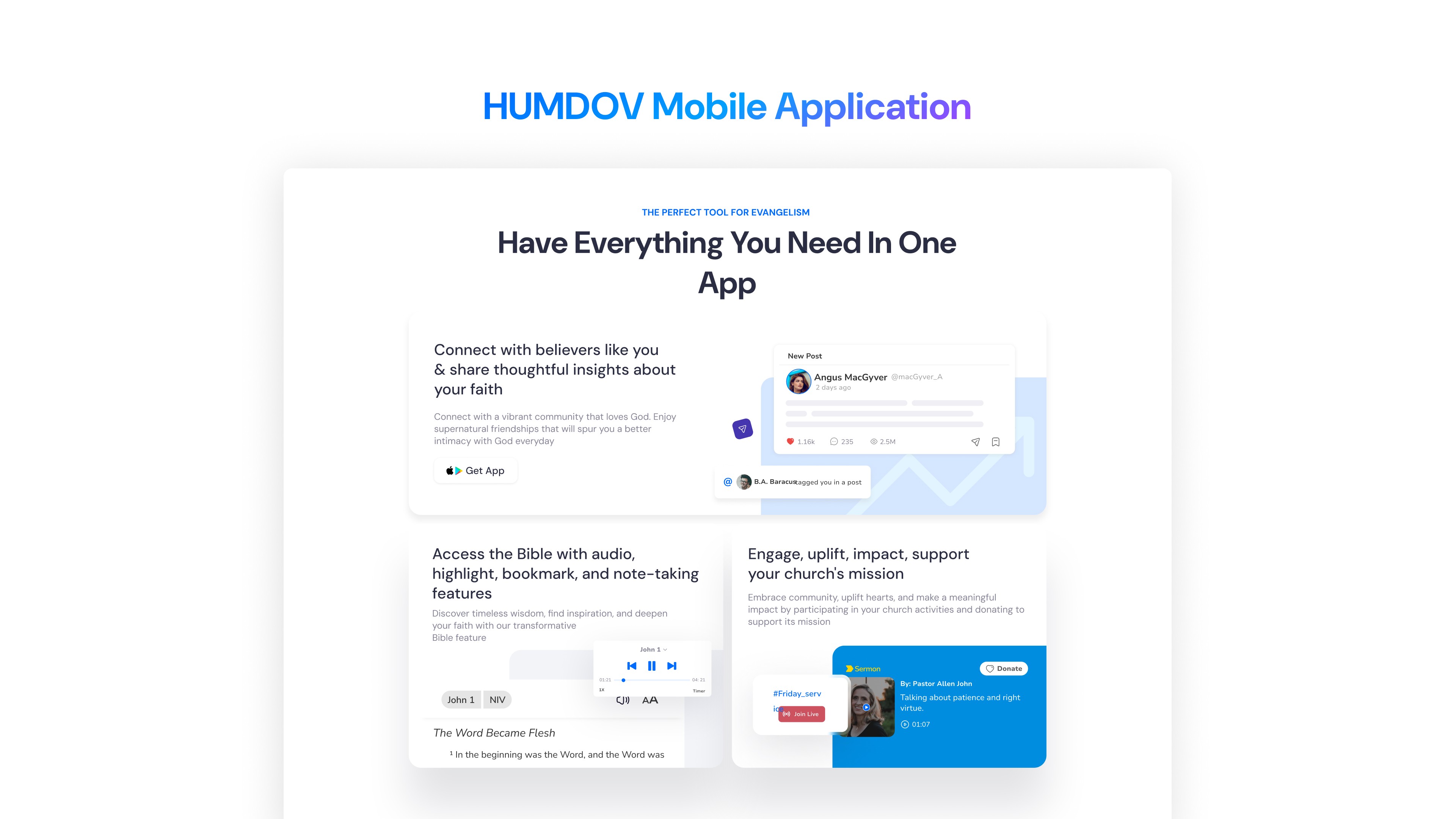
Identify how the mobile/social app works and how believers use it globally
Find and use the "Request Demo" or contact support call-to-action
Understand pricing or next steps; locate app download options
Testing Procedure
I conducted moderated in-person sessions with 8 participants (tech-savvy and less tech-savvy users)
Asked participants to think aloud while navigating
Timed each task and noted any points of hesitation, confusion, or drop-off
After tasks, I administered a brief System Usability Scale survey to gather open‑ended feedback
Task | Success Rate | Notes |
|---|---|---|
Understand what HumDov offers | 90% | Clear homepage messaging helped |
Find CMS features | 100% | CMS page is well-labeled and descriptive |
Request a demo | 78% | Some users unsure what happens after requesting demo |
Understand pricing | 70% | Pricing needs improvement |
Discover app/social features | 90% | Mobile page communicates benefits well |
Know how to get started | 86% | Some users prefer self onboarding instead of requesting demo first |
Heuristic Review Insights & Improvements
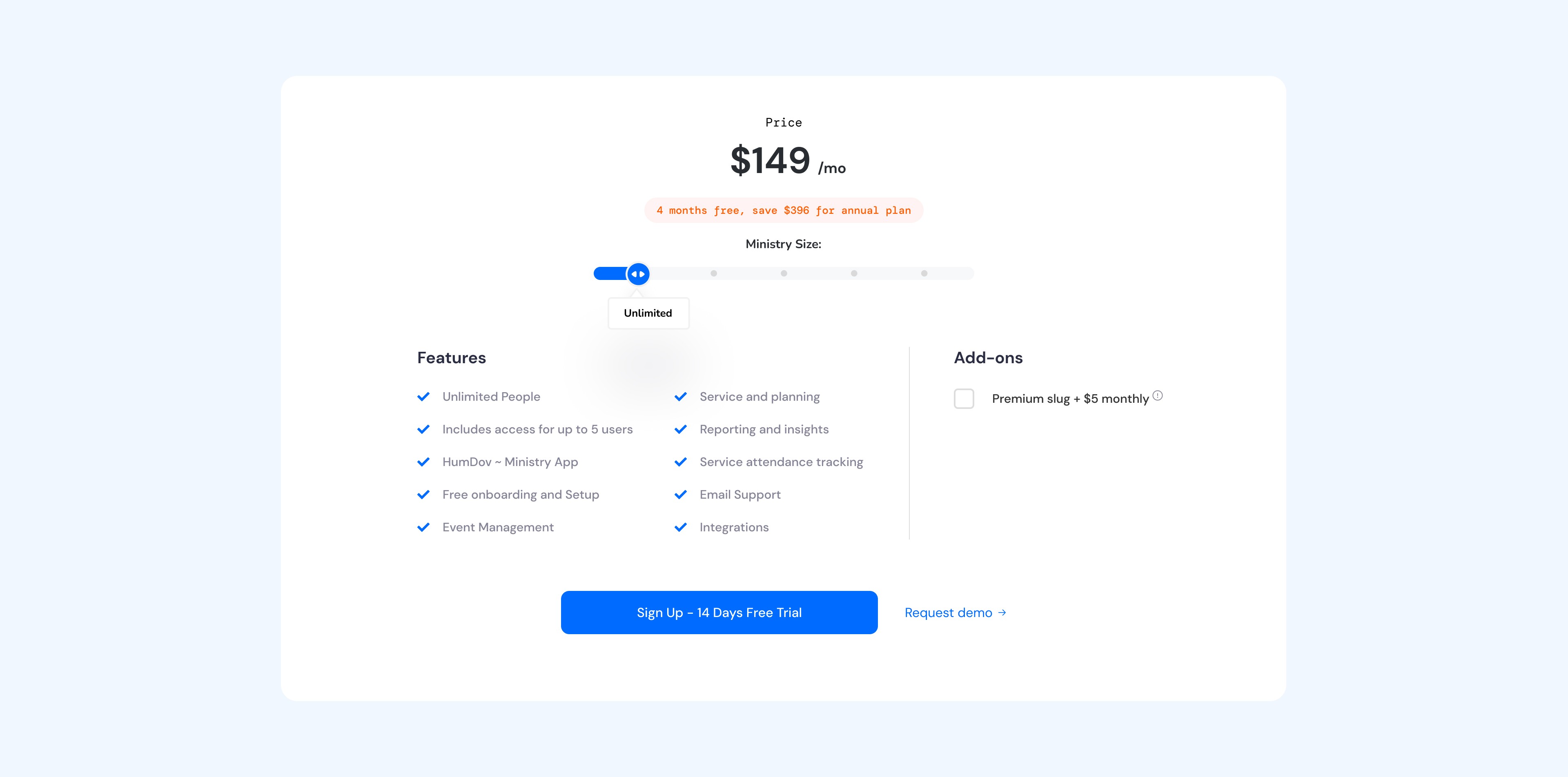
I placed the pricing plan exclusively on the CMS page to clarify that it’s the only paid product.
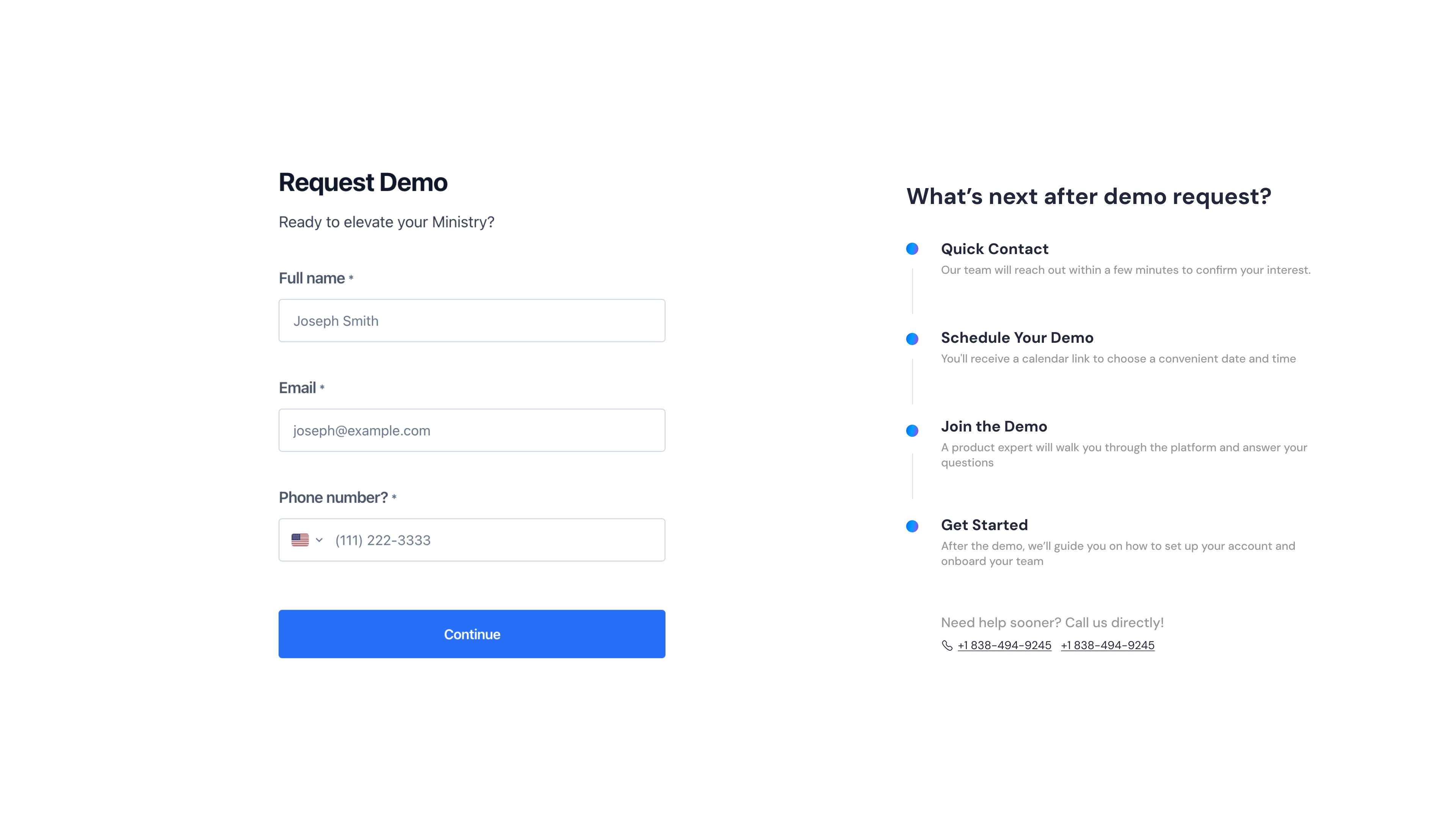
Indicate next steps after demo request
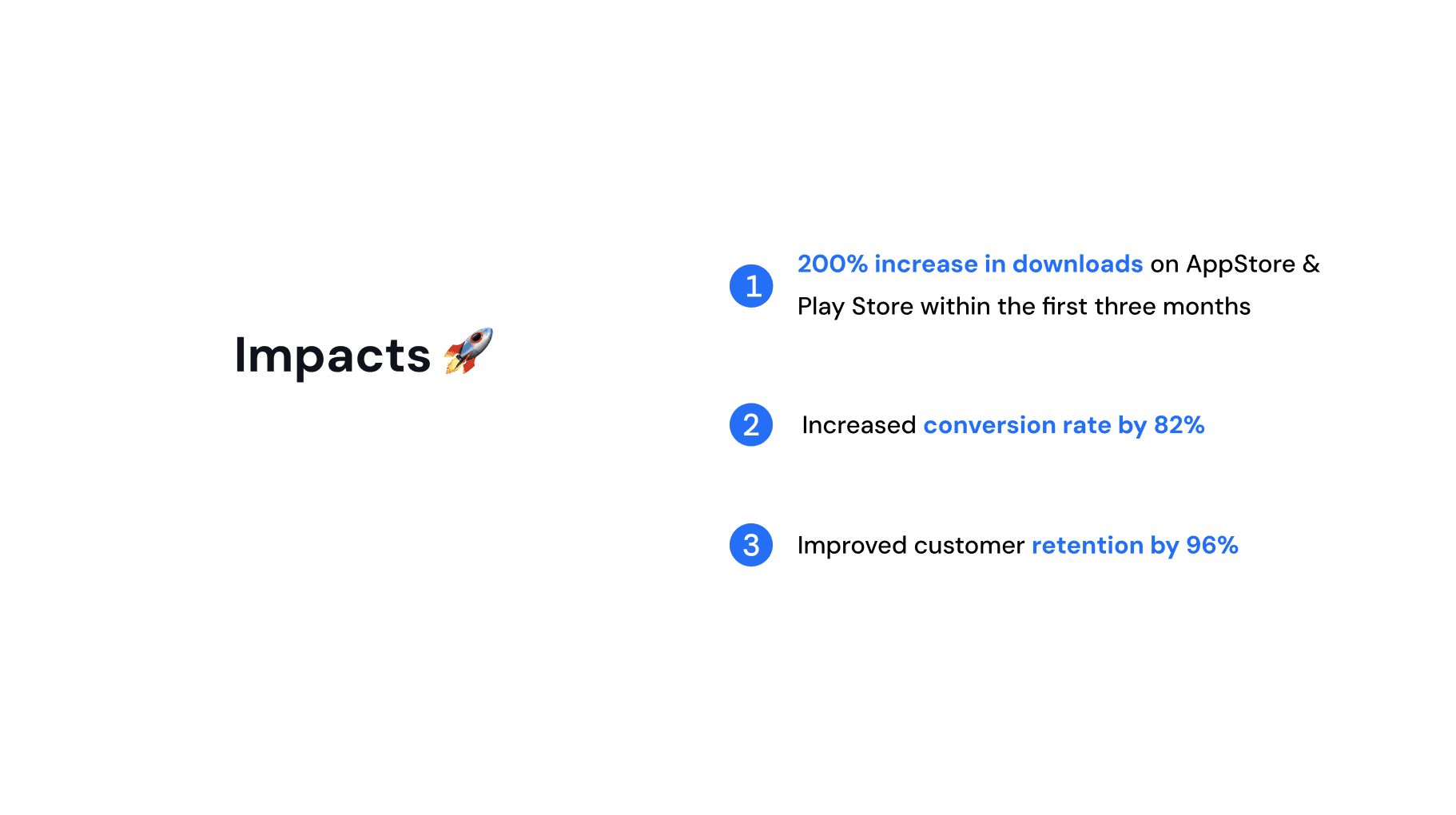
Key Learnings
Clarity Drives Conversion
Users are more likely to engage when product offerings are clearly explained with real-world context (e.g. showing how a CMS or donation system works for ministries).Onboarding Is Part of UX
Designing beyond the interface—into the user’s first week of usage—helps reduce drop-off and builds long-term trust and adoption.Consistency Builds Trust
A consistent visual language, clean layout, and polished content signal reliability—especially important when targeting faith-based organizations.Design for Diverse Digital Maturity
Since some churches are more tech-savvy than others, onboarding should be flexible: offer both guided demos and self-serve options.